

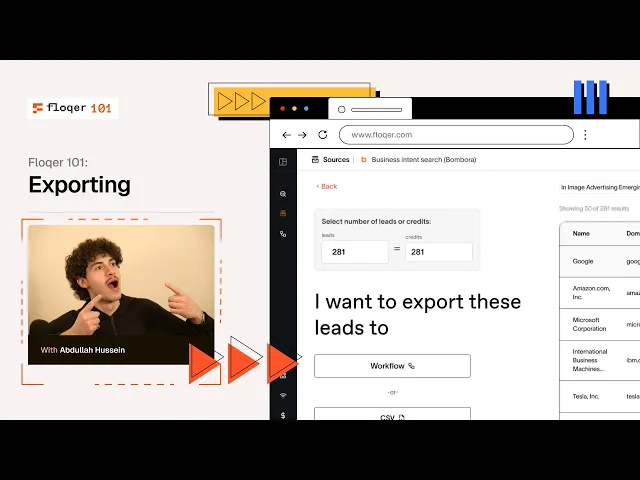
Floqer 101: Exporting 📤
You've built the perfect workflow, enriched your list, and personalized your outreach. Now what? Time to export and put that intelligence to work! 🚀
3 Ways to Export Your Data:
🔗 Push to Your CRM
Send enriched, qualified leads directly into your CRM with all the intelligence attached.
HubSpot integration (see example in video)
Salesforce
Pipedrive And more
All your enrichment data, contact info, and personalization—automatically synced. No manual uploads, no data loss. ✅
📧 Push to Outreach Tools
Launch your tailored email sequences instantly.
Lemlist (see example in video)
Outreach.io
Salesloft
Apollo
Your personalized emails, follow-ups, and sequences ready to send—all built from your enriched data. 💌
📊 Download as CSV
Old school but effective. Export everything as a spreadsheet for your records, internal sharing, or custom integrations.
Complete control over your data
Perfect for reporting or manual workflows
Keep it simple when you need to
It's Really Up to You.
Your workflow, your data, your choice. Floqer gets it where it needs to go—no friction, no hassle. ⚡
That's a wrap on Floqer 101!🎓
What's Next? In future videos, we'll walk through real use-cases from industry leaders crushing it with Floqer. You'll see exactly how top teams are building workflows that convert. Hope you learned enough to get you excited—and enough to get started with Floqer. 🔥 This was Floqer 101, and we'll see you in the next one! 👋